Chrome extension
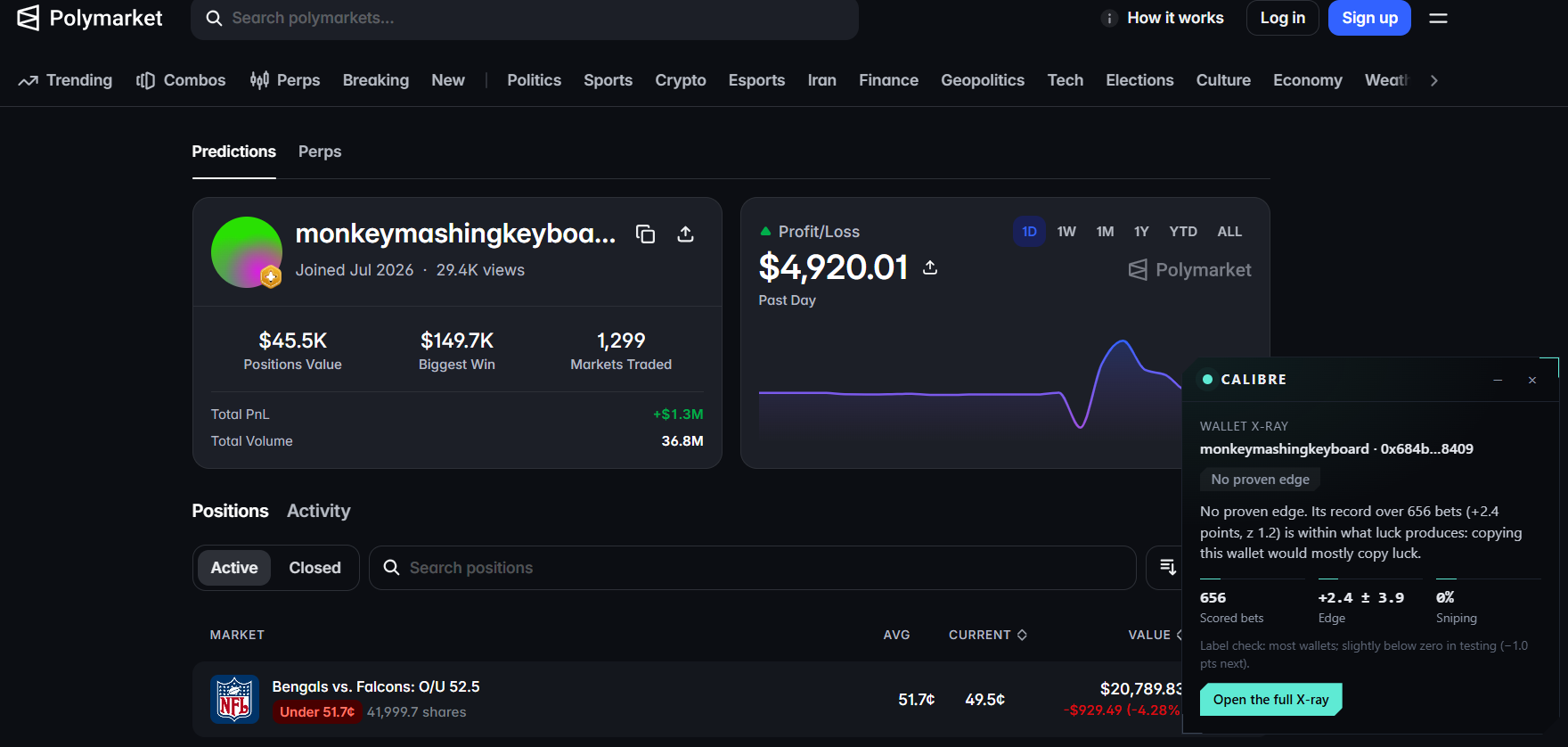
The X-ray as a small panel on polymarket.com, so you see who is behind a move or a wallet without leaving the page.
Download for Chromecalibre-extension.zip · v0.1.0 · 11 KB
Works in Chrome, Edge, Brave and other Chromium browsers. It is not in the Chrome Web Store yet, so it installs as an unpacked extension.
Install in about a minute
- 1Unzip the download into a folder you will keep. Chrome loads it from there, so do not delete the folder afterwards.
- 2Open
chrome://extensions(Edge:edge://extensions, Brave:brave://extensions) and turn on Developer mode, top right. - 3Click Load unpacked and pick the folder you unzipped (the one that holds
manifest.json). - 4Open any Polymarket profile or market. The panel appears at the bottom right; collapse it with the dash, close it with the cross.
Where it shows up
- A profilepolymarket.com/profile/0x… or polymarket.com/@name
- The wallet's label, its edge per bet with an error band, how many bets were scored and its sniping share.
- A market or eventpolymarket.com/event/…
- The latest move of 4 points or more, how much of the money behind it came from proven losers, and the biggest takers with their labels.
- A gamepolymarket.com/sports/<league>/… and /esports/…
- The same market X-ray for the match.
If the panel does not appear
- Reload the Polymarket tab once after installing.
- Click the CALIBRE icon in the toolbar: it says whether the panel is active on this tab, and Show the panel brings back one you closed.
- Still nothing? Open Settings from that popup and press Test connection: it checks that this site answers.
- A wallet audit reads up to 1,000 trades and can take a few seconds the first time.
Updating
Download the zip again, unzip it over the same folder, then press the reload arrow on the extension's card in chrome://extensions.
Prefer the website? Paste any profile, wallet or market link on the home page.